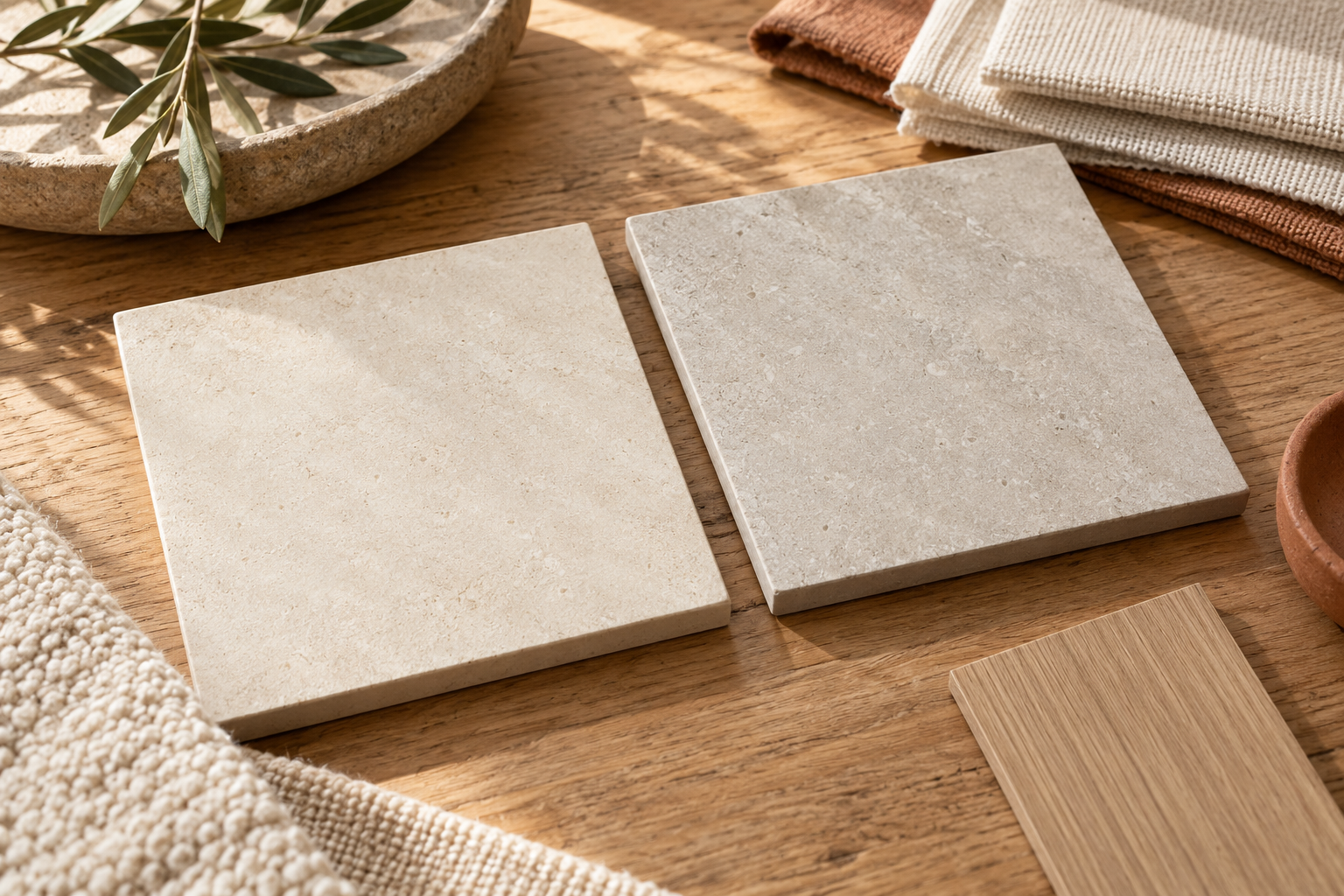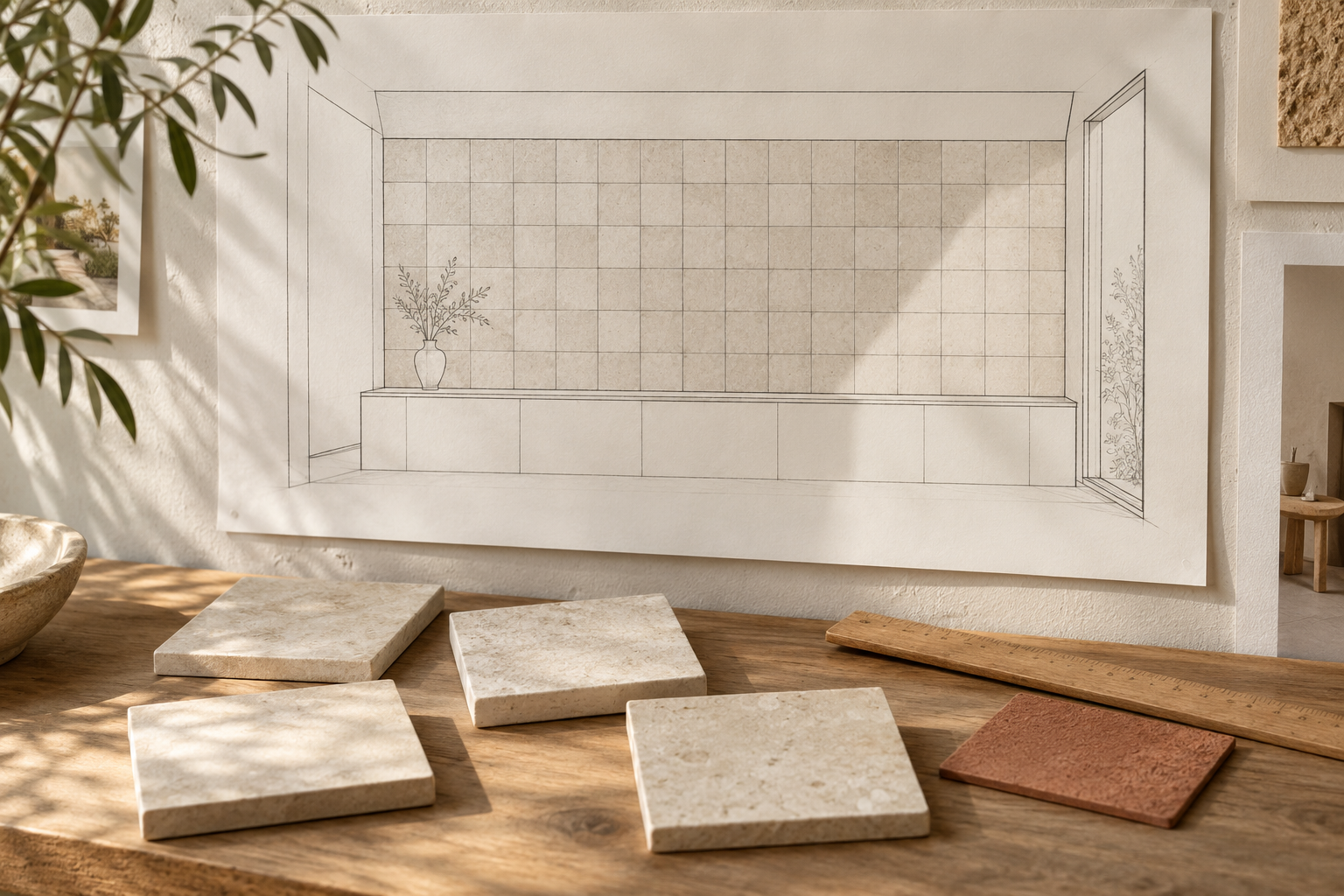
Use a nominal 15 × 15 cm listing to start a sketch, not to lock the setting-out of an interior wall. Before finalising the elevation, confirm the actual face dimensions and variation of the selected tile, agree a proposed joint with the installer, and draw the tile-plus-joint module across the whole wall and its openings. Approve a representative physical layout before releasing the drawing.
CLEM C03 Warm Sand currently lists a 15 × 15 format and presents interior walls among its uses. CLEM's specifications page identifies the catalogue formats as nominal sizes in centimetres; neither page gives a confirmed C03 face measurement for a particular finish and supply. The three images in this guide are AI-generated editorial concepts about the review process. They are not C03 product photographs, measured tiles, approved installation layouts or technical evidence.
Why is the nominal size insufficient?
CLEM's specifications page distinguishes catalogue formats from its technical tables. It says the tables are not product-by-product schedules and that a matching nominal size alone does not establish which technical data applies to C03. A real dimension printed for another material category must therefore not be copied into a C03 wall elevation, even when the format label is also 15 × 15 cm.
The difference matters most at boundaries. A small change in each tile face or joint repeats across a long wall. The last piece beside a door opening, corner or fixed joinery may differ from what a simple nominal grid predicts. A room photograph or a single tile image cannot settle that calculation.
Begin with the nominal module to test the composition: square rhythm, orientation, where a centre line might fall, and how the grid relates to doors or wall fixtures. Mark this as provisional on the drawing. Do not turn it into an issue-for-construction dimension until the selected product and joint have been checked.
What measurements should the project team request?
Ask CLEM for the current information tied to the exact product code, 15 × 15 cm format and proposed finish. The useful set-out response is the actual face dimension or permitted range for that selection, along with representative physical pieces. Ask whether dimensional variation is expected within the supplied material and whether the sample reflects what will be delivered. Keep product-specific thickness, edge character and technical suitability as separate confirmation items.
The installer should review those pieces and the intended substrate before proposing the joint and installation layout. The Tile Council of North America's grout FAQ discusses tile-to-tile variation, edge regularity, tile size and the wall surface as factors in joint planning. That is general ceramic-tile industry background, not a CLEM joint specification or a prescribed width for C03.
For the drawing, record the following inputs together:
| Input | Record on the set-out drawing |
|---|---|
| Product identity | C03 Warm Sand, selected format and finish, with the supplier's current reference. |
| Tile face | Confirmed actual face dimensions or range for the selected supply; identify the source and date. |
| Joint | Proposed visible joint reviewed by the installer for the selected pieces and edge character; mark it provisional until agreed. |
| Wall geometry | Measured finished wall width and height, door/opening sizes, fixed joinery and the selected datum. |
| Approval | Physical layout or mock-up reference, drawing revision and person approving the result. |
This is a coordination record, not a promise that every individual tile has one identical measured size. If the supplier reports a range, use the project team's agreed representative dimensions and review the cuts in a physical layout.
How do you draw the tile-plus-joint module?
For a simple row of full square faces, the distance from the outside edge of the first tile to the outside edge of the last is the sum of the face widths plus the internal joints. In symbols: span = number of tiles × confirmed face width + number of internal joints × agreed joint width. For six full tiles, there are five joints between them. This expression does not include perimeter gaps, end cuts or a change in wall plane; those need their own project details.
A hypothetical calculation shows the distinction. Suppose an unrelated sample measures 147 mm across its face and an installer is studying a 3 mm joint. Six full faces plus five internal joints span 6 × 147 + 5 × 3 = 897 mm. If the nominal 150 mm were mistakenly used as each face width while keeping the same five joints, the drawn span would be 6 × 150 + 5 × 3 = 915 mm, or 18 mm longer. Neither 147 mm nor 3 mm is C03 product data or an approved CLEM joint; they are invented numbers used only to show why the actual face and proposed joint must be entered separately.
Draw the resulting grid across the whole elevation, rather than repeating a single module in an empty rectangle. Establish a datum, then show tile faces, joints and the proposed cut pieces at both wall ends and around each opening. A centre line may create balanced end pieces but awkward cuts beside a doorway; shifting the grid may improve the opening while changing the wall ends. Compare both outcomes before choosing the layout.
What should be approved before the layout is fixed?
Review several labelled pieces of the selected product and finish, not an anonymous sample or an AI illustration. Place them in the intended orientation with the proposed joint. Include a representative part of the wall where the grid approaches an opening or fixed element. Check the visible rhythm, cut-piece proportions, joint appearance and alignment under the intended lighting. Record the agreed sample, layout revision and any unresolved dimension.
The designer, installer and supplier may each need to answer different questions. CLEM confirms the product-specific information and sample options. The installer assesses the proposed joint and buildable layout for the actual wall. The designer approves the visual set-out and keeps the drawing consistent with the sample. A nominal format can start that conversation; the approved wall needs the confirmed product and coordinated module.
For a C03 enquiry, send the wall elevation and ask: “We are considering C03 Warm Sand in the listed 15 × 15 cm format for an interior wall. Please confirm the actual face dimensions or range, available finish and current product information for this selection, and provide representative samples. Our installer will review the joint before we finalise the grid across the door opening.” Use the C03 page and CLEM's specification guidance as starting references, then contact CLEM with the drawing.
Research notes
Sources & verification
- CLEM C03 Warm Sand product page, checked 17 October 2026: lists a 15 × 15 format and interior walls, but does not state a verified C03 face dimension; confirm selected format, thickness, finish and installation method against current technical data.
- https://www.clemstonetiles.com/product-c03-warm-sand.html
- CLEM specifications page, checked 17 October 2026: catalogue formats are nominal centimetre sizes; technical tables are not product-by-product. The 148.5 mm glazed-porcelain table entry and any generic tolerance are not applied to C03.
- https://www.clemstonetiles.com/specifications.html
- Tile Council of North America grout FAQ, checked 17 October 2026: general industry background on variation, tile edges, size and surface in joint planning, not a CLEM C03 rule or joint width.
- https://tcnatile.com/resource-center/faq/grout/
- The 147 mm face and 3 mm proposed joint in the arithmetic example are invented only to show the module calculation. They are not C03 dimensions or an approved joint. All three images are AI-generated fictional editorial concepts, not CLEM products, dimensional evidence, approved drawings, installation details or project photographs.
Technical suitability and current availability should be confirmed for each project.